


Exclusive Debit Cards
Bring team spirit to your wallet.

Exclusive Team & School Debit Cards
Educators Credit Union has partnered with local communities, teams and schools so you can represent in your wallet! Find the card that reflects your interest and order it today at your local branch or by calling us at 262.886.5900.
Card Designs
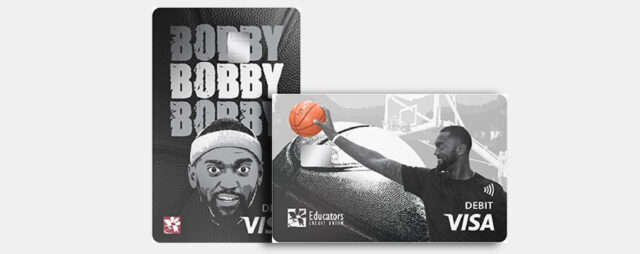
These one-of-a-kind card designs are a great way to show your love for Milwaukee basketball and score great benefits.
Order yours today! Chat with us on Educators Connect Cam™, visit a branch near you or call us at 262.886.5900.
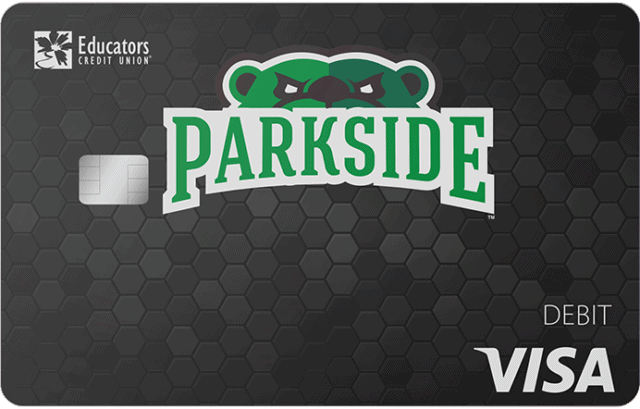
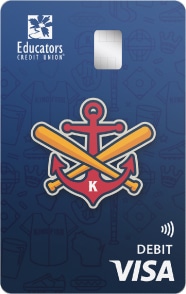
Educators Credit Union has partnered with local colleges and baseball teams to offer a special debit card! Display your current school or alma mater every time you make a purchase.
Order yours today! Chat with us on Educators Connect Cam™, visit a branch near you or call us at 262.886.5900.
University of Wisconsin Parkside
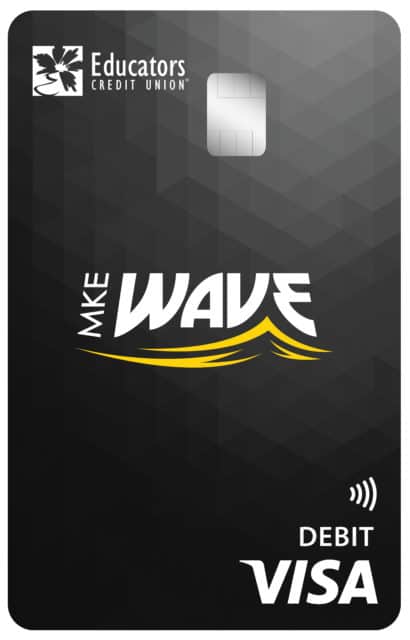
Milwaukee Wave
Milwaukee Milkmen
Kenosha Kingfish
Racine Raiders
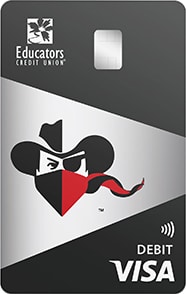
Educators Credit Union has partnered with local high schools to offer a special debit card! Display your current school or alma mater every time you make a purchase.
Order yours today! Chat with us on Educators Connect Cam™, visit a branch near you or call us at 262.886.5900.
Horlick High School – Racine
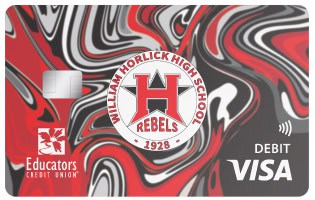
Hamilton High School – Milwaukee
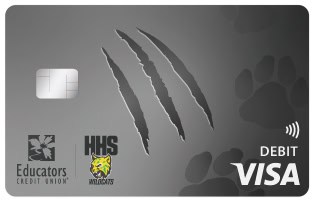
Indian Trail High School – Kenosha
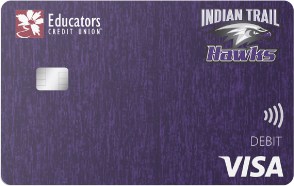
Tremper High School- Kenosha
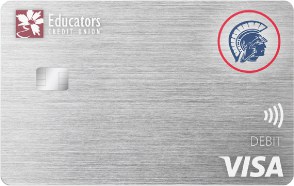
Bradford High School – Kenosha

Case High School – Racine
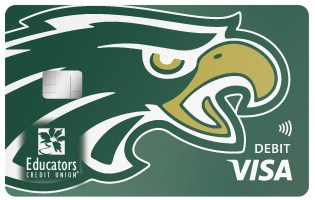
Harborside High School – Kenosha
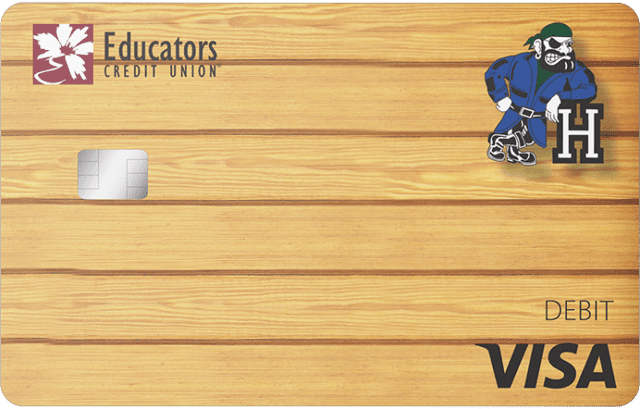
Oak Creek High School – Oak Creek
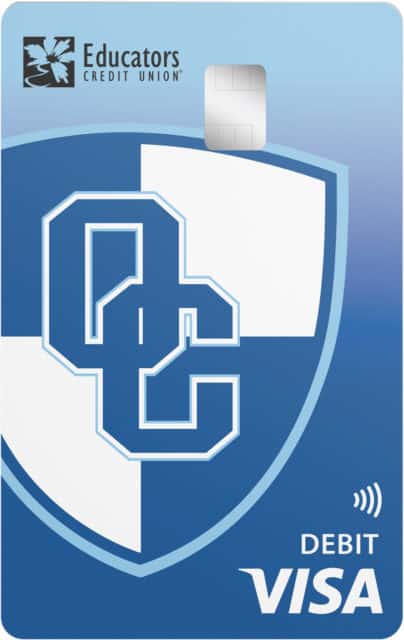
Park High School – Racine

Franklin High School – Franklin

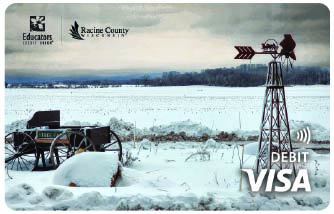
Educators Credit Union is proud to partner with your local communities! Display your hometown pride with every purchase using custom debit card designs found in Design My Card.
Order yours today! Chat with us on Educators Connect Cam™, visit a branch near you or call us at 262.886.5900.
Features and Benefits
-
Fee-Free ATMs
Educators Credit Union has a network of more than 60,000 fee-free ATMs! Find one at a location near you.
-
Card Management
Card Management allows you to turn your debit and credit cards on and off, receive instant notifications and implement spending restrictions, all with the click of a button.
-
uChoose Rewards®
Every time you make a non-PIN transaction with your debit card, you earn rewards! uChoose Rewards® can be redeemed for cash, rate discounts, travel and more.
-
Member Loyalty
Using your debit card can help you grow your Member Loyalty. Each year, members can earn cash back just for using an Educators debit or credit card.
Frequently Asked Questions
Yes! Debit Card and Visa® Platinum Card holders can earn uChoose Rewards® points for debit and credit card transactions. Debit card transactions will earn 1 point for every $2 spent and credit card transactions will earn 1 point for every $1 spent.
You can redeem your points for:
- Discounts and promotions on Educators products and services
- Cash back
- Gift cards
- Air travel
- And more!
To learn how to navigate uChoose Rewards, check out our Video Tutorials.
Get the perfect card for your lifestyle
Educators CU has the right card for you with competitive rates, flexible credit limits, and great rewards.
If your card is lost or stolen, please call us at (800)-472-3272 immediately so we can secure your account and replace your card.
To receive an instant-issue replacement card, visit an Educators branch with your photo ID.
To order your replacement card through the mail, call (262) 886-5900 or start a video banking call through Connect Cam™.
If your card is simply damaged, follow these steps to replace your card through Online Banking or the Mobile App:
- Log in to Online Banking or the Mobile App
- Select Cards
- If you’re on the Mobile App, tap More>Cards
- Select Card Management
- Select Replace Damaged Card
- Follow the prompts to replace your card
For further assistance with Card Management in Online and Mobile Banking, choose a video tutorial from our Digital Academy Platform below:
A debit card draws from the money you have available in your checking account. When you use your debit card, funds are withdrawn from your checking account to cover the purchase.
When you use a credit card, you are borrowing money from a set line of credit offered by a financial institution, up to your credit limit. Each month you will receive a statement specifying your purchase amounts and details, as well as the minimum payment due. If you do not pay off your credit card in full each month you will be charged interest on any unpaid balance.
You can order a new personal debit card with Card Management through Online and Mobile Banking! Follow the steps displayed below.
To order a business debit card for your business account, fill out the Debit Card Application online, get an instant-issued card at any Educators branch, or call 262.886.5900 to have one mailed to you.
Order a Personal Debit Card Through Online Banking
- Log in to Online Banking
- Click More
- Click Card Management
- Click on the Card that is Damaged to be Replaced
- Click Replace Damaged Card
- Click the Report as Damaged Button
- Click Yes, Report as Damaged to Complete the Process
Order a Personal Debit Card Through Mobile Banking
- Log in to the Mobile App
- Tap the Menu
- Tap Card Management
- Scroll Right to View All Cards – Tap Replace Damaged Card
- Tap Damaged
- Tap Report As Damaged
- Tap Yes, Report as Damaged to Complete the Process
Order Your Card Today
Show off your team or school spirit.