


Digital Services to Bank Anytime, Anywhere
Our Digital Services make it easy to manage your money, move money, and access your accounts wherever life takes you. From Online & Mobile Banking to convenient ways to transfer funds and stay connected with us, our digital tools help you bank securely and confidently.
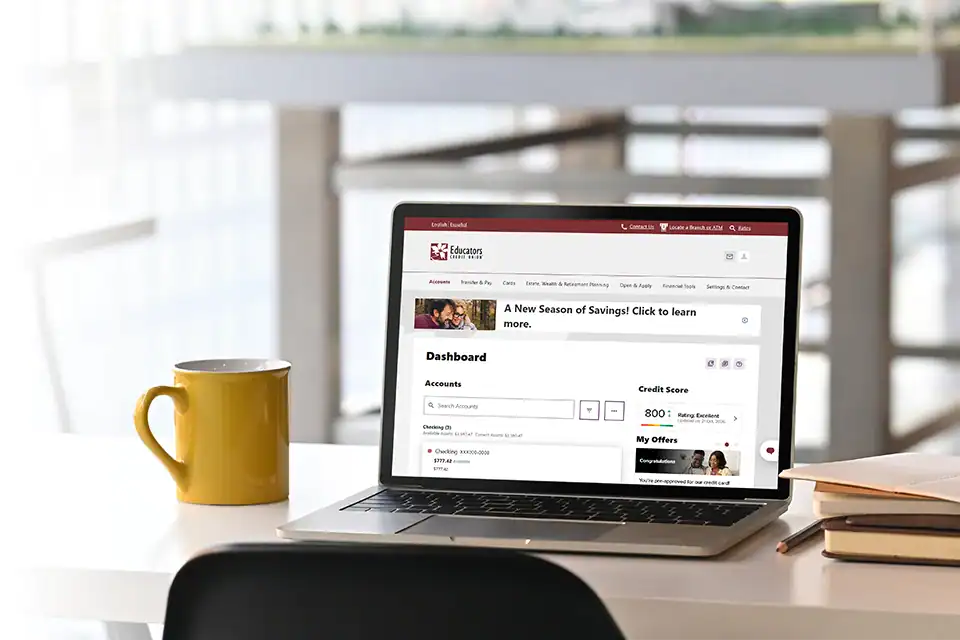
What You Can Do with Digital Banking



Explore Our Digital Services
-
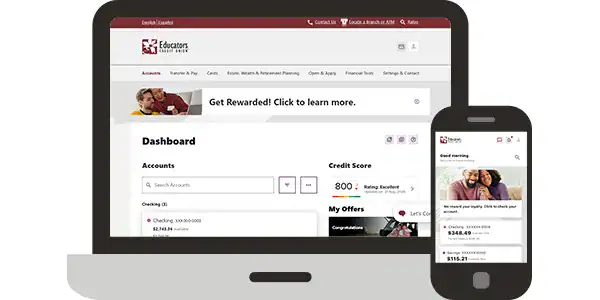
Online & Mobile Banking
Bank when and where you want. Check balances, transfer money, pay bills, set alerts and more.
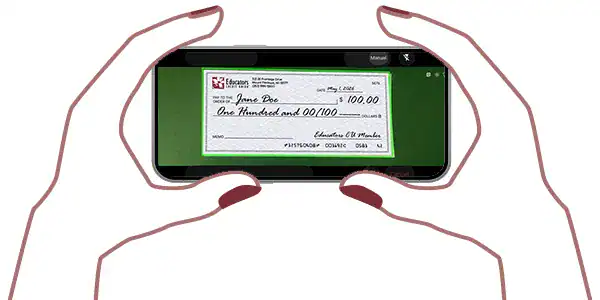
Mobile Check Deposit
Deposit checks quickly and securely using the Educators CU Mobile app.
-
Send & Receive with Zelle®
Whether you’re paying rent, gifting money or splitting the cost of a bill, Zelle® has you covered.
Card Management
Turn cards on or off, set alerts, reset PINs, add travel notices and report lost or stolen cards.
-
Educators Connect Cam™
Meet face-to-face with an Educators representative by video, no branch visit needed.

Secure Chat Services
Chat securely with an Educators representative online for quick answers and support.
-
ASK EVA®
Our voice banking assistant is available 24/7 to check balances, transfer funds and make payments.

Mind & Money
Fun and easy financial learning tools to help kids build smart money habits.
Digital Banking with Educators
-
 Convenient
Bank on your scheduleSecure
Advanced security to protect you -
Accessible
Access your accounts anytime, anywhereConnected
Real people offering real support
Frequently Asked Questions about Our Digital Services
Using our FlashCash feature in Mobile Banking you can remotely deposit a check using your device’s camera.
Video banking lets you meet face-to-face with a financial representative over a secure video call instead of visiting a branch. With Educators Connect Cam™ you can connect with Educators staff by video to open an account, apply for a loan, or get help managing your accounts. If you prefer to type your questions, then you can chat with a representative online during business hours.
Yes. With Card Management in the Educators Mobile Banking app or from your account dashboard in Online Banking, you can turn your cards off and on instantly.
You can open an account online without having to visit a branch location. You can connect with a member representative through Educators Connect Cam™ if you need help.
Educators members can bank anytime with Online & Mobile Banking. You can deposit a check with FlashCash in mobile banking. Transfer money, turn cards on and off with Card Management, talk with a member representative with Educators Connect Cam™ video banking, or through secure chat.
Educators will never call or text you to ask for an Online or Mobile Banking login, Social Security number, one-time codes, card number, or PIN. Common scam texts include fake fraud alerts asking you to confirm a purchase, messages claiming your account is locked with a link to log in, and requests to send money or to “reverse” a charge. If a message seems out of the ordinary, don’t reply or click any links. Contact us by video call through Educators Connect Cam™, chat online or call us 262-886-5900.
Visit Digital Academy for step-by-step guides on using Online & Mobile Banking features, as well as other important banking information.
-
Start Banking
Digitally with Us? -
-