


Direct Deposit
Faster Access to Your Funds

Easy Steps to Switch Your Deposit
We have an easy way to switch your deposit through Digital Banking!
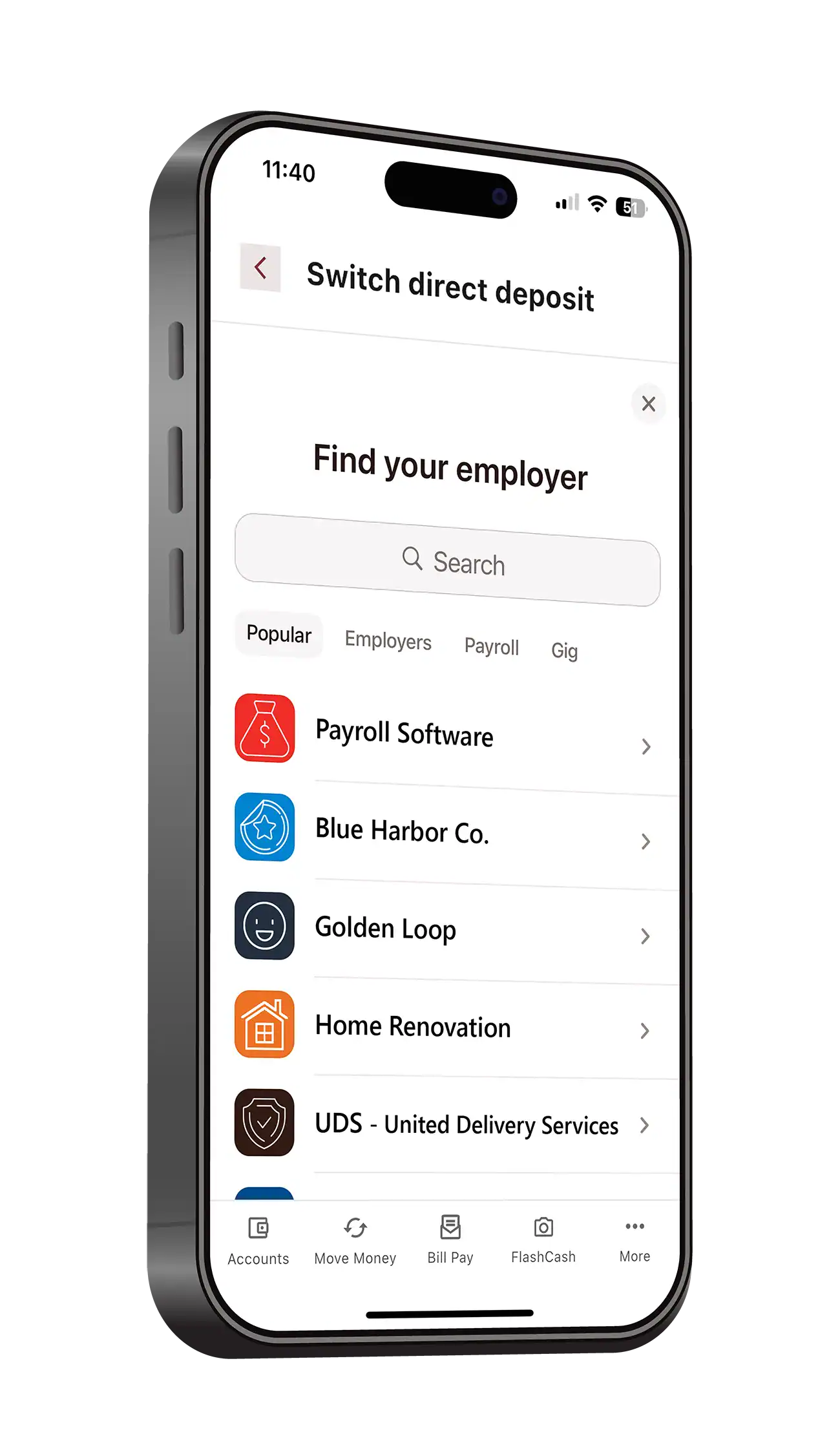
Want to skip the paperwork?
Within minutes you can bring your deposit to your account with our Direct Deposit Switch widget in Online & Mobile Banking.
Want your funds before payday?
Then you’ll enjoy our Early Payday1 feature offered on all of our accounts. Receive your paycheck up to two days early!
-
Log into your account
In Mobile Banking: select MORE in the menu bar then TRANSFER & PAY.
In Online Banking: select TRANSFER & PAY in the menu.
-
Select Direct Deposit Switch
In Mobile & Online Banking: select the account you want your deposit to go to.
-
Choose your set up option
In Mobile & Online Banking:
Set Up Direct Deposit – allows you to log into your employer’s payroll tracking platform and complete the set up digitally.
Manually Switch Direct Deposit – allows you to copy and paste your information into your employers set up platform.
Another Option - Direct Deposit Letter
The best and quickest way to get your paychecks into your account is with direct deposit. It’s a fast and secure way for your employer or other source of income to send your checks electronically to your account.
How to Generate Your Letter
Follow these steps to generate your letter:
-
Log into Your Account
In Mobile Banking: select MORE in the menu bar.
In Online Banking: select ACCOUNTS in the menu.
-
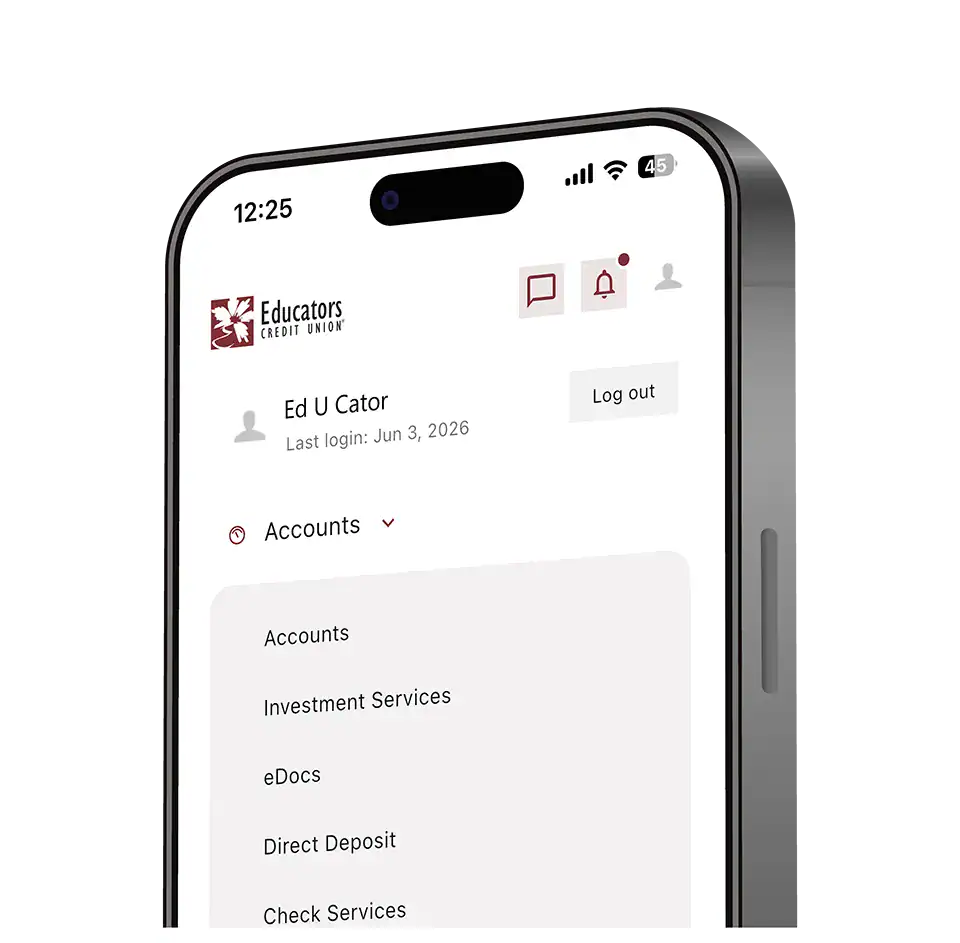
Select Direct Deposit
In Mobile Banking: select DASHBOARD in the menu, then select DIRECT DEPOSIT.
In Online Banking: select DIRECT DEPOSIT from the accounts submenu.
-
Select Your Account
In Mobile & Online Banking: in the dropdown, select the account you’d like your deposit to go into.
-
Generate Your Form and Print
In Mobile Banking: select GENERATE to save the PDF letter to your phone or send to your printer.
In Online Banking: select GENERATE and then print the PDF letter to provide for set up.
Tutorials
Try our demo tutorial or view our videos on how to generate your letter.
Our Routing Number
275981378
For more help with generating your letter visit our contact us page to speak with a member services representative.
Disclosures
1Early access to direct deposit funds is based on receipt from originator. Educators cannot guarantee early access to direct deposit funds. All employers are responsible for paying employees on their normal pay date and an early payday is not guaranteed.