


Bank Anytime, Anywhere
Our Digital Services make it easy to manage your money, move money, and access your accounts wherever life takes you. From Online & Mobile Banking to convenient ways to transfer funds and stay connected with us, our digital tools help you bank securely and confidently.

What You Can Do with Digital Banking
-
 View Balances & HistoryTransfer Money
 -
 Deposit Checks with Your PhonePay Bills with Ease
 -
 Manage Cards & AlertsConnect with Educators
Explore Our Digital Services
-
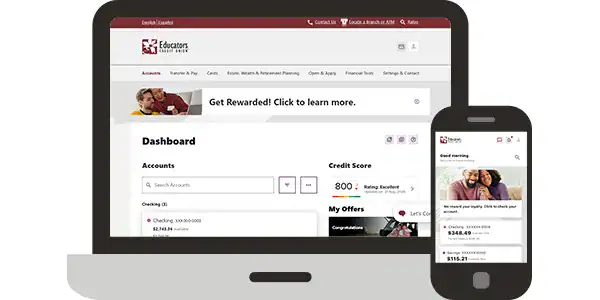
Online & Mobile Banking
Bank when and where you want. Check balances, transfer money, pay bills, set alerts and more.
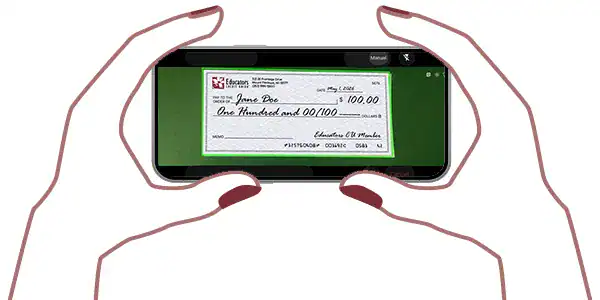
Mobile Check Deposit
Deposit checks quickly and securely using the Educators CU Mobile app.
-
Send & Receive with Zelle®
Whether you’re paying rent, gifting money or splitting the cost of a bill, Zelle® has you covered.
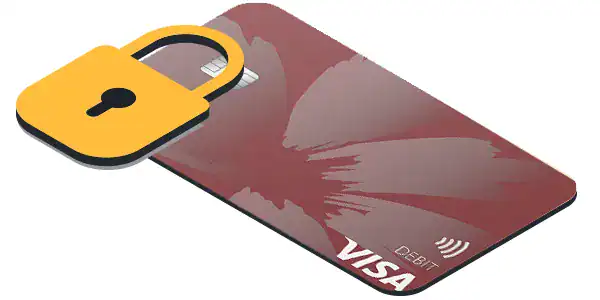
Card Management
Turn cards on or off, set alerts, reset PINs, add travel notices and report lost or stolen cards.
-
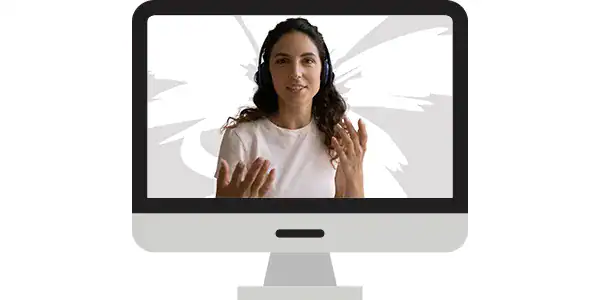
Educators Connect Cam™
Meet face-to-face with an Educators representative by video, no branch visit needed.

Secure Chat Services
Chat securely with an Educators representative online for quick answers and support.
-
ASK EVA®
Our voice banking assistant is available 24/7 to check balances, transfer funds and make payments.

Mind & Money
Fun and easy financial learning tools to help kids build smart money habits.
Digital Banking with Educators
-
 Convenient
Bank on your scheduleSecure
Advanced security to protect you -
Accessible
Access your accounts anytime, anywhereConnected
Real people offering real support -

Frequently Asked Questions about Our Digital Services
How do I deposit a check from my phone?
Using our FlashCash feature in Mobile Banking you can remotely deposit a check using your device’s camera.
Can I get help with my account virtually?
We offer Educators Connect Cam™ and a chat feature that lets you talk with one of representatives for help with your account.
What ways can I keep my account secure?
Our Card Management feature that lets you turn your cards on and off along with real-time balance monitoring. You can even set up push alerts to let you know about balance updates and transaction activity.
Can I open an account online?
You can open an account online without having to visit a branch location.
How do I access my accounts after banking hours?
With Online & Mobile Banking, you can access your accounts anytime from anywhere.
-
Start Banking
Digitally with Us? -
-